How can we help?
We're a small team of 5 indie developers who care deeply about your experience. If something's not working or you have questions, we're here.
We're a small team of 5 indie developers who care deeply about your experience. If something's not working or you have questions, we're here.
From the main menu, tap New Game to begin a fresh investigation from Case 1. If you've already started, you can use Continue to resume where you left off, or navigate to the Case Selection screen to replay a specific case.
Walk up to any dog character in the city and tap the speech bubble icon that appears above them. Each witness has unique dialogue and may give you hints if you talk to them multiple times throughout the investigation.
When you're near an interactable object or clue, an Investigate button will appear on-screen. Tap it to examine the item. Collected clues are stored in your Backpack, which you can open at any time from the HUD.
Try re-talking to every witness you've already met — they sometimes give new information after you've found certain clues. Also check your Backpack to review all collected evidence. Pay attention to what's marked on the minimap, as it highlights points of interest.
Use the on-screen joystick on the left side of the screen to move your character around the city. Interaction buttons (investigate, talk) appear automatically when you are near something you can interact with.
Yes! Dogtective automatically saves your progress as you play. You can also tap the Save button in the pause menu to create a manual save at any point.
Open the Pause menu (tap the pause button in the top-right corner during gameplay). From there you can toggle music and haptic feedback on or off independently.
First, try closing the app completely and reopening it. If the issue persists:
If none of these help, please contact us with your device model and iOS version.
The current version of Dogtective features multiple cases to solve, with more being added in future updates. Stay tuned — more mysteries are on the way!
Check the App Store listing for the current pricing and available in-app purchases. We aim to keep the core mystery experience fully accessible.
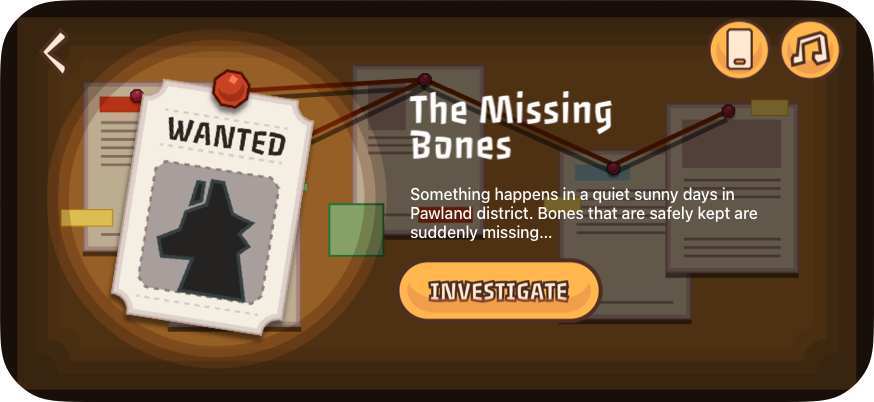
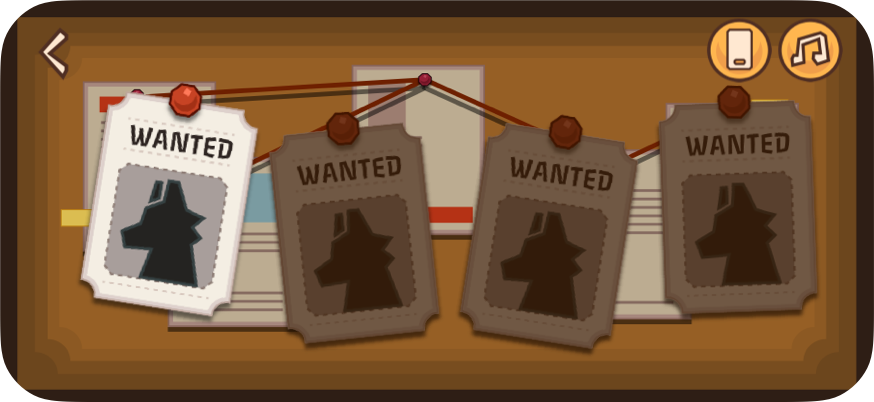
Pick a mystery from the case board. Each case is a self-contained story with unique suspects and locations.
Roam the city freely. Approach objects and characters to interact. Use the minimap to find points of interest.
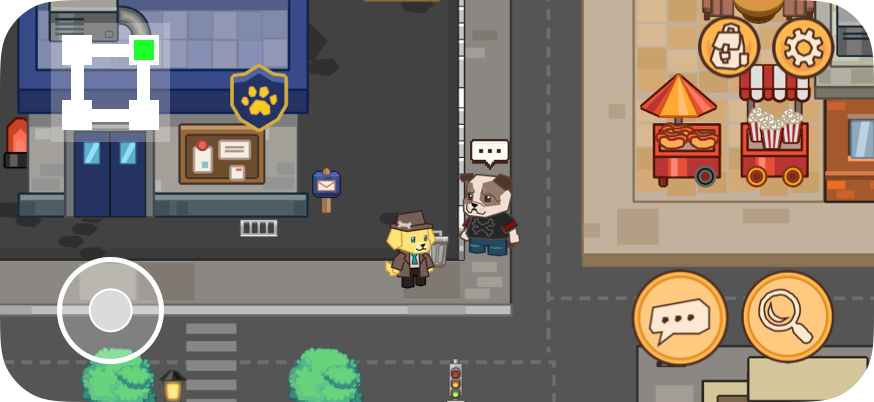
Talk to every dog you meet. Witnesses, bystanders, and suspects all hold pieces of the puzzle.
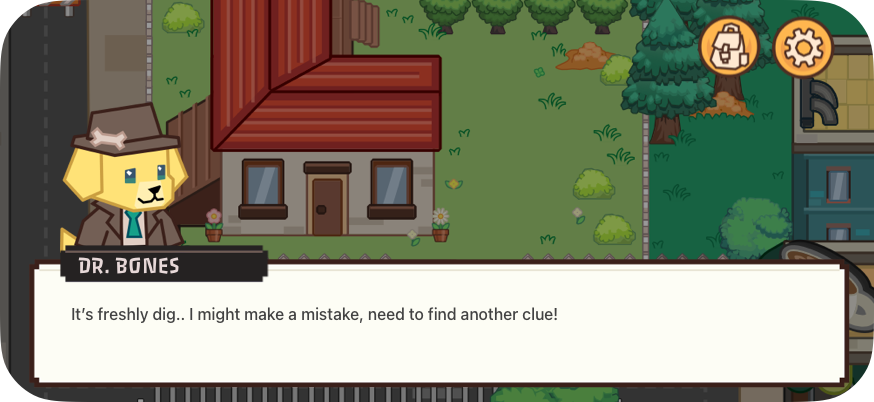
Gather enough evidence, connect the clues in your backpack, and reveal the truth behind the crime.
We read every message. Describe what happened, your device model, and your iOS version — it helps us fix things faster.